FURLIVIO
FURLIVIO™ ROJECO 4L WiFi Automatic Pet Feeder with App Control
FURLIVIO™ ROJECO 4L WiFi Automatic Pet Feeder with App Control
Couldn't load pickup availability
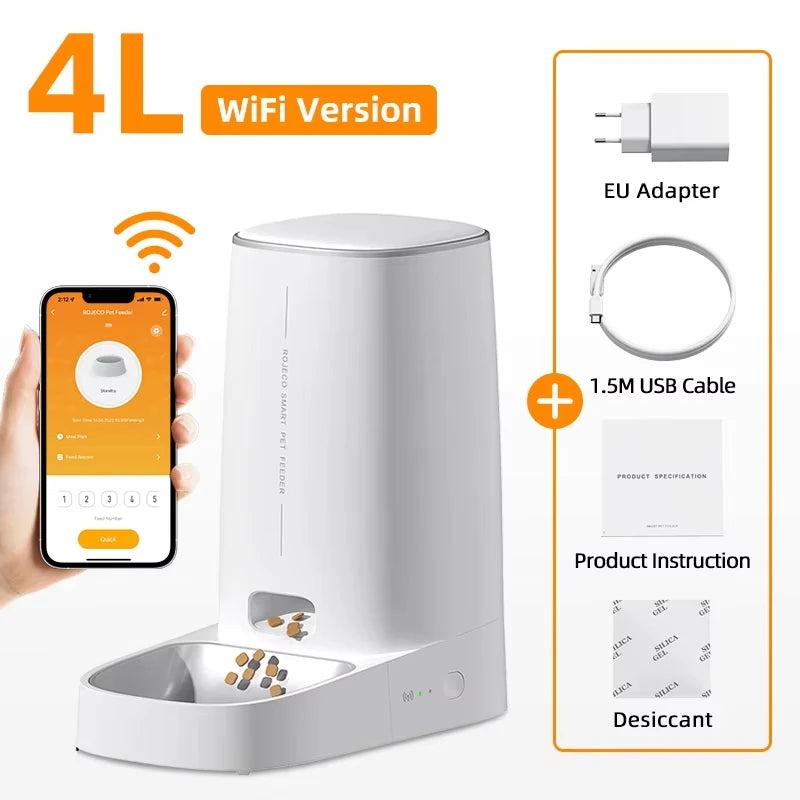
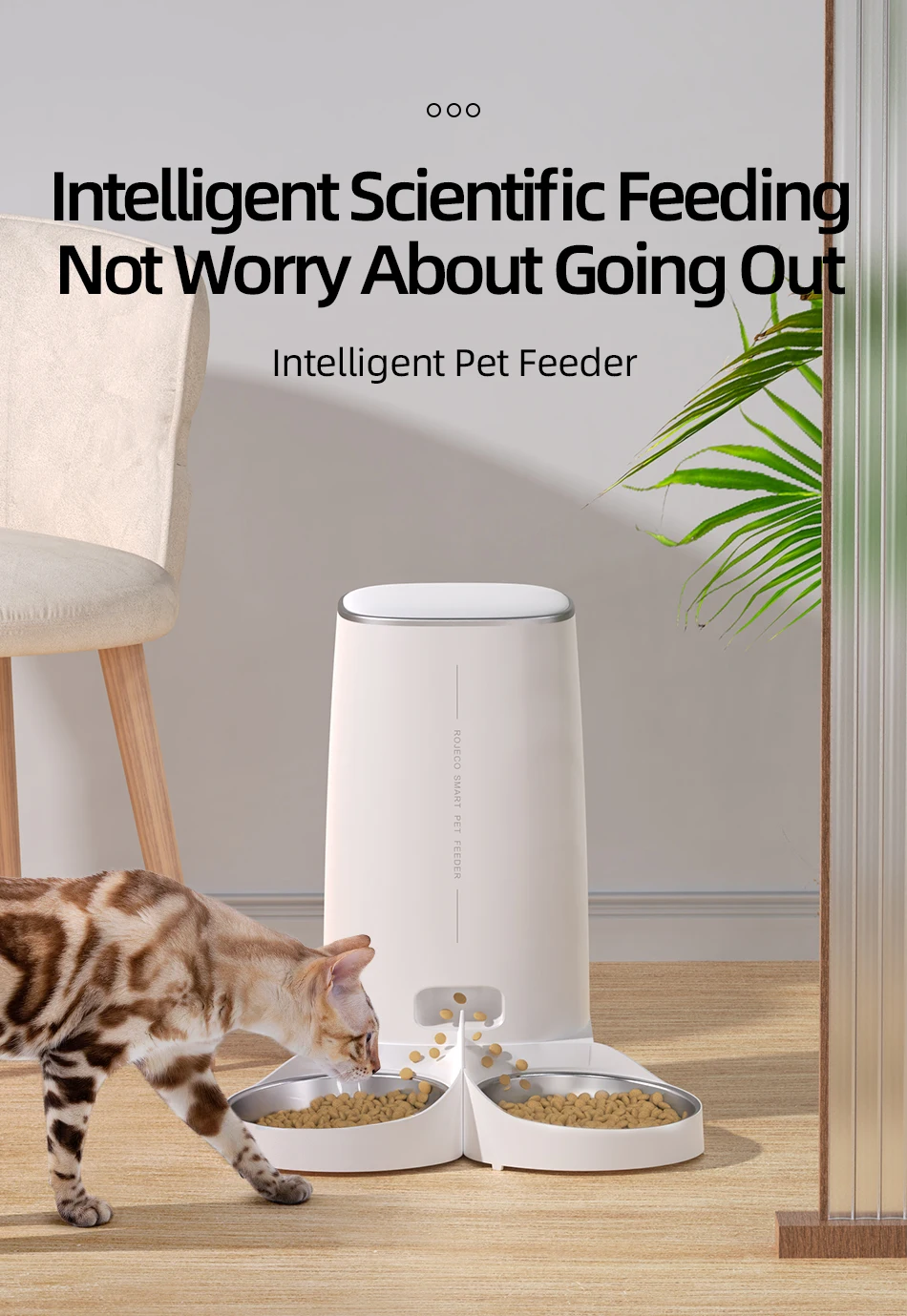
Keep your pet’s feeding routine simple and consistent with the FURLIVIO™ 4L WiFi Automatic Pet Feeder. Designed for cats and small to medium-sized pets, this smart automatic feeder lets you schedule meals and control portions through an easy-to-use app. Whether you are working late, traveling, shopping, or simply away from home, FURLIVIO™ helps make sure your pet receives meals on schedule.
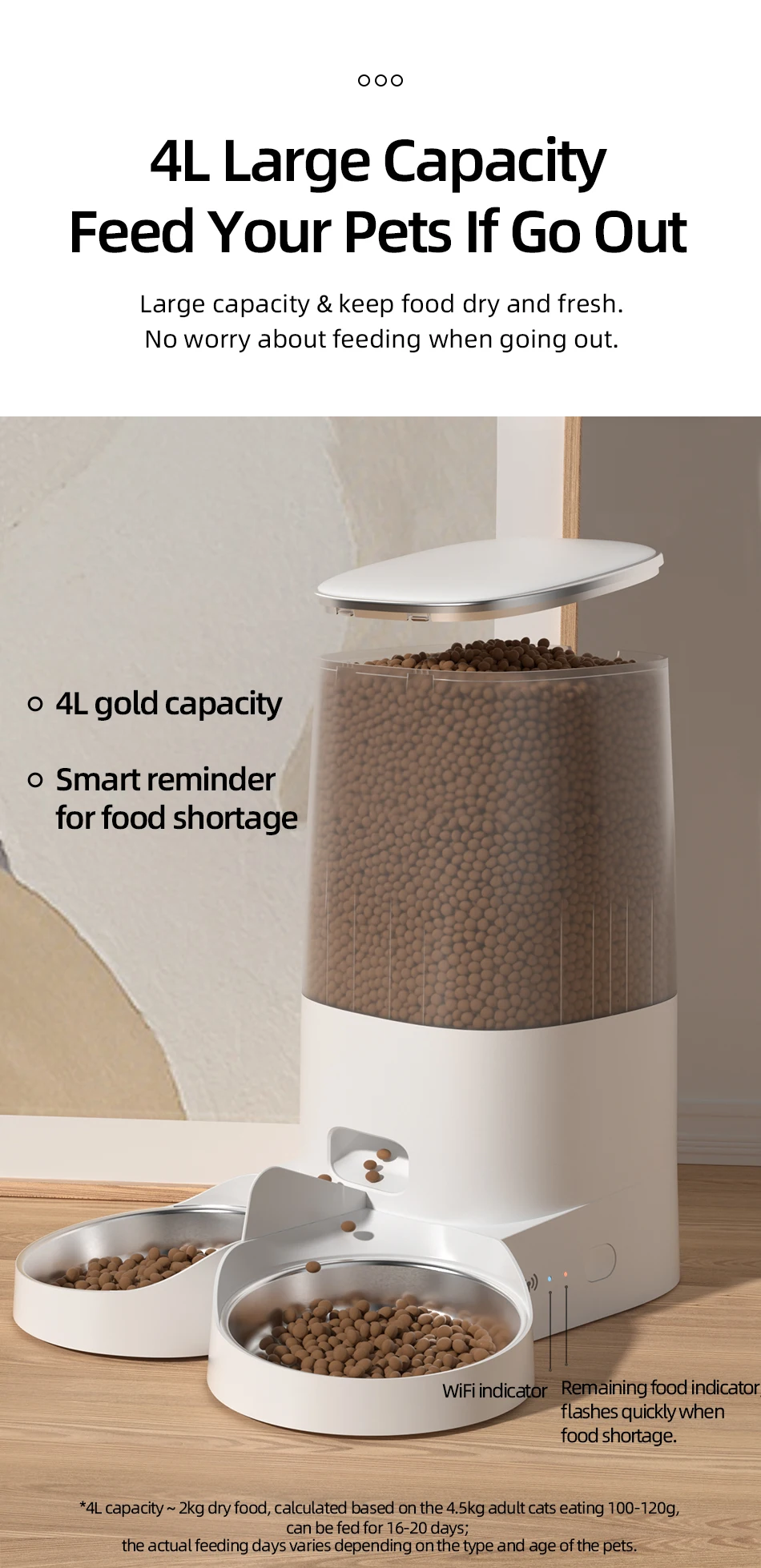
4L Large-Capacity Automatic Pet Feeder
The 4L food container provides convenient storage for dry pet food and can help reduce the need for frequent refilling. It is suitable for cats and small to medium-sized pets and is designed to support a consistent feeding routine when you cannot feed your pet manually.
WiFi App Control & Flexible Feeding Schedule
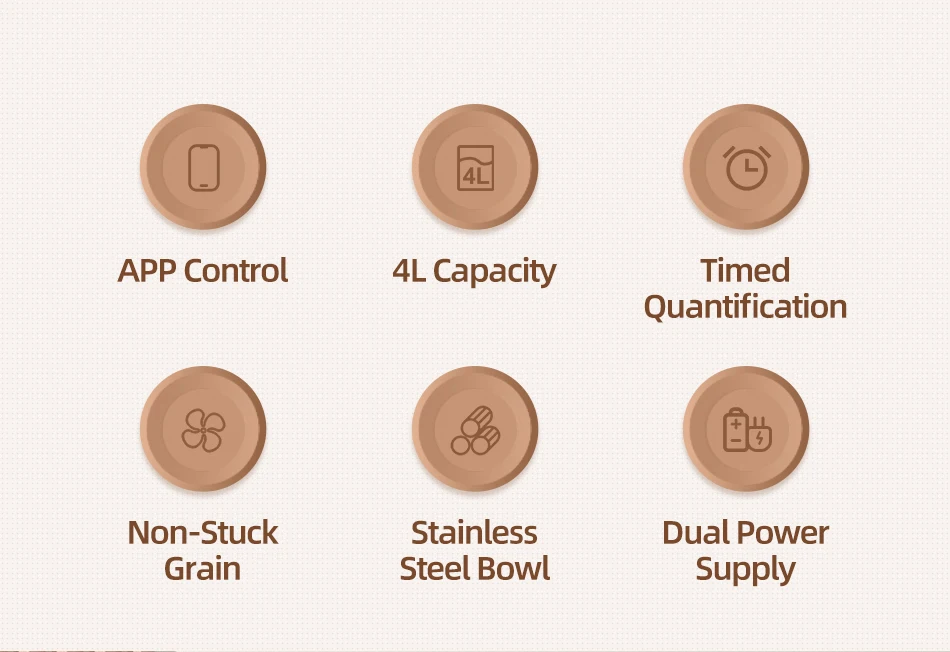
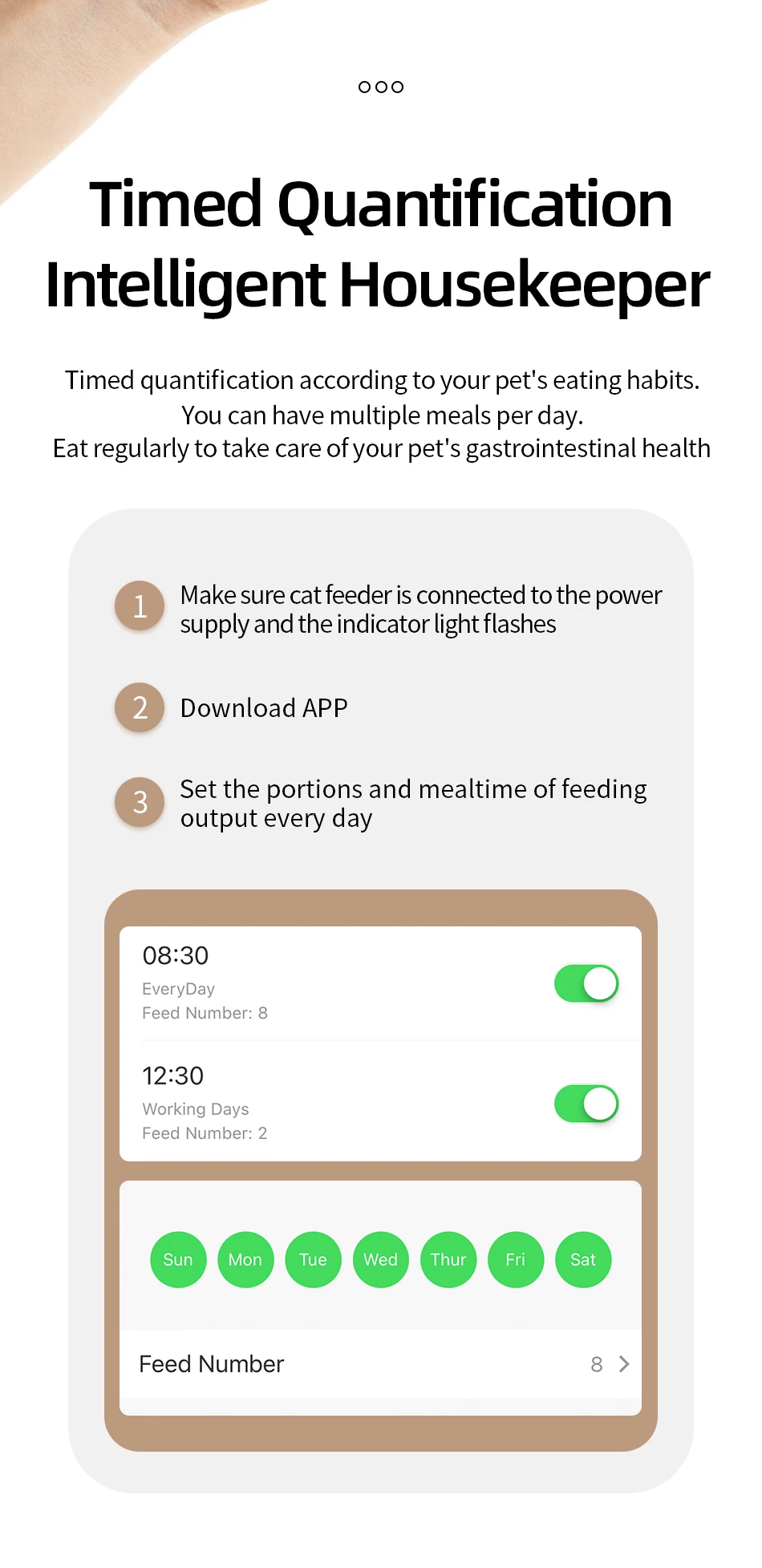
The WiFi version allows you to manage feeding through the app. You can schedule up to 10 meals per day, with up to 60 portions per meal. Each portion is approximately 6 ± 2g, allowing you to adjust the amount of food according to your pet’s feeding routine.
Convenient Feeding While You’re Away
Set the desired meal times and portions, and the FURLIVIO™ automatic cat feeder will dispense food according to your schedule. It is a convenient solution for busy mornings, long workdays, weekends away, and travel.
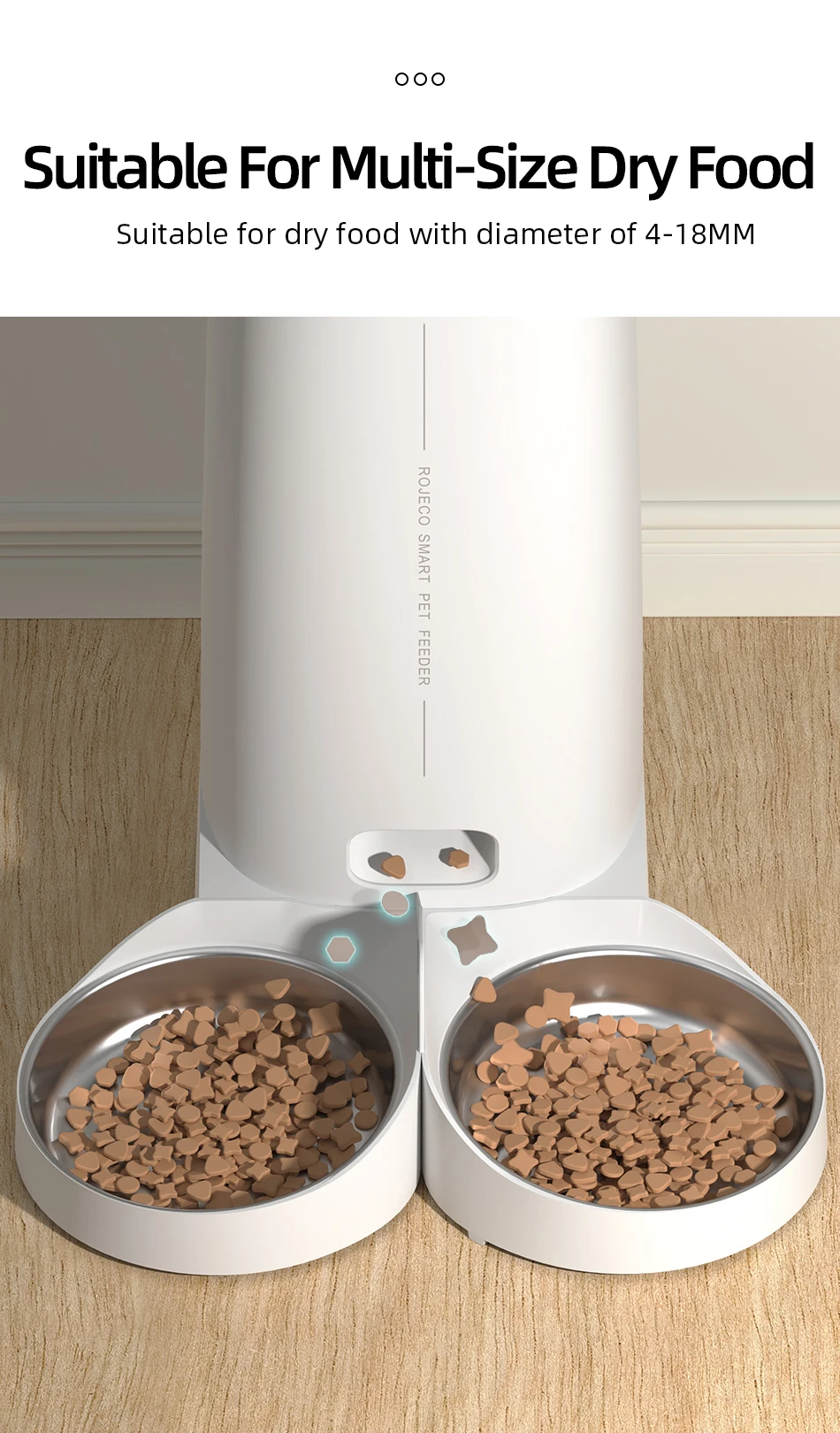
Designed for Dry Pet Food
For reliable dispensing and to help reduce the risk of food becoming stuck inside the mechanism, use dry pet food with a recommended diameter of 4–12mm. Choosing appropriately sized food helps maintain smooth operation and supports the long-term performance of the feeder.
Freshness in Every Meal
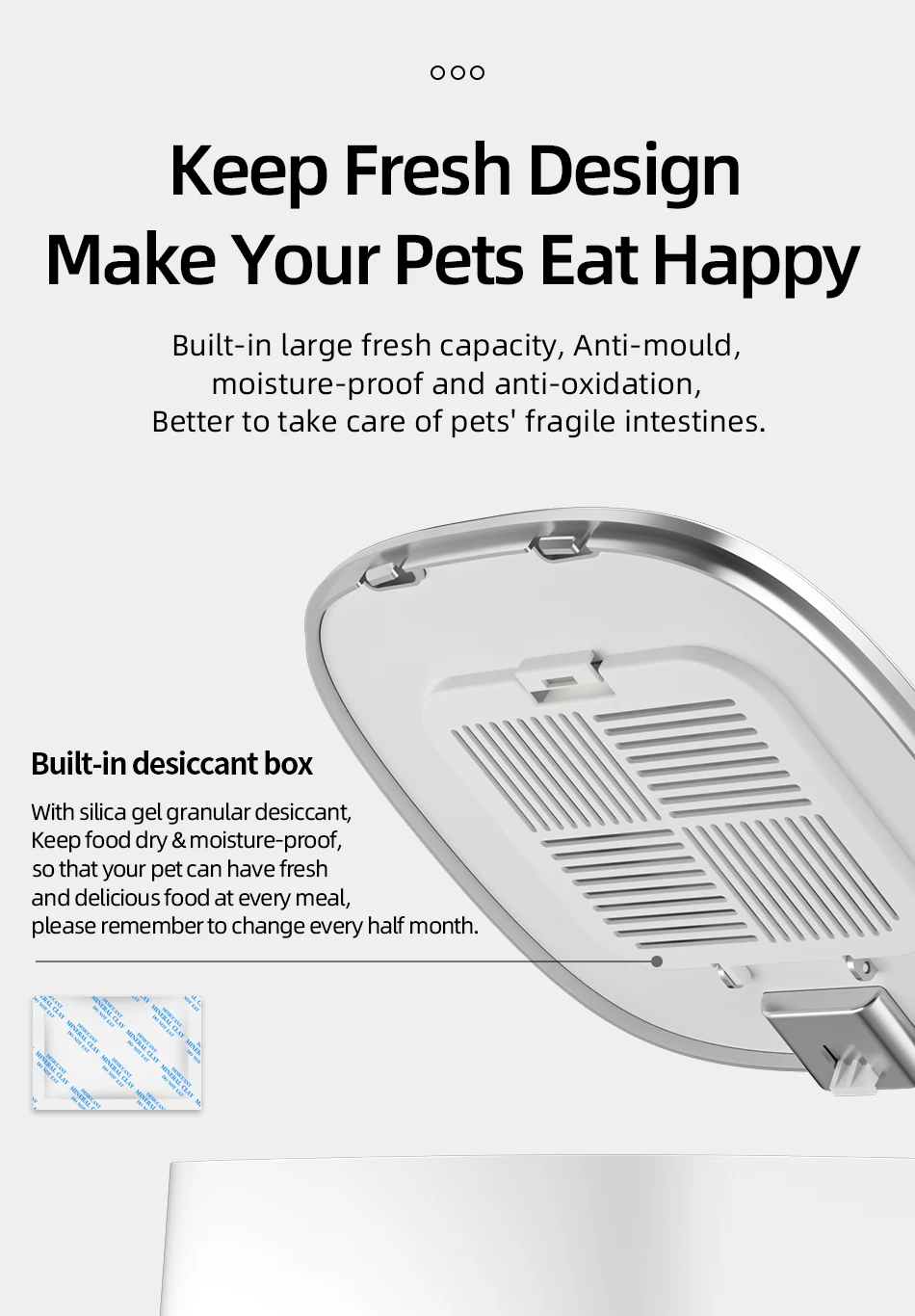
The FURLIVIO™ feeder is designed to help keep dry food stored conveniently between meals. Its enclosed food container provides a practical feeding solution while helping protect the food from everyday household conditions.
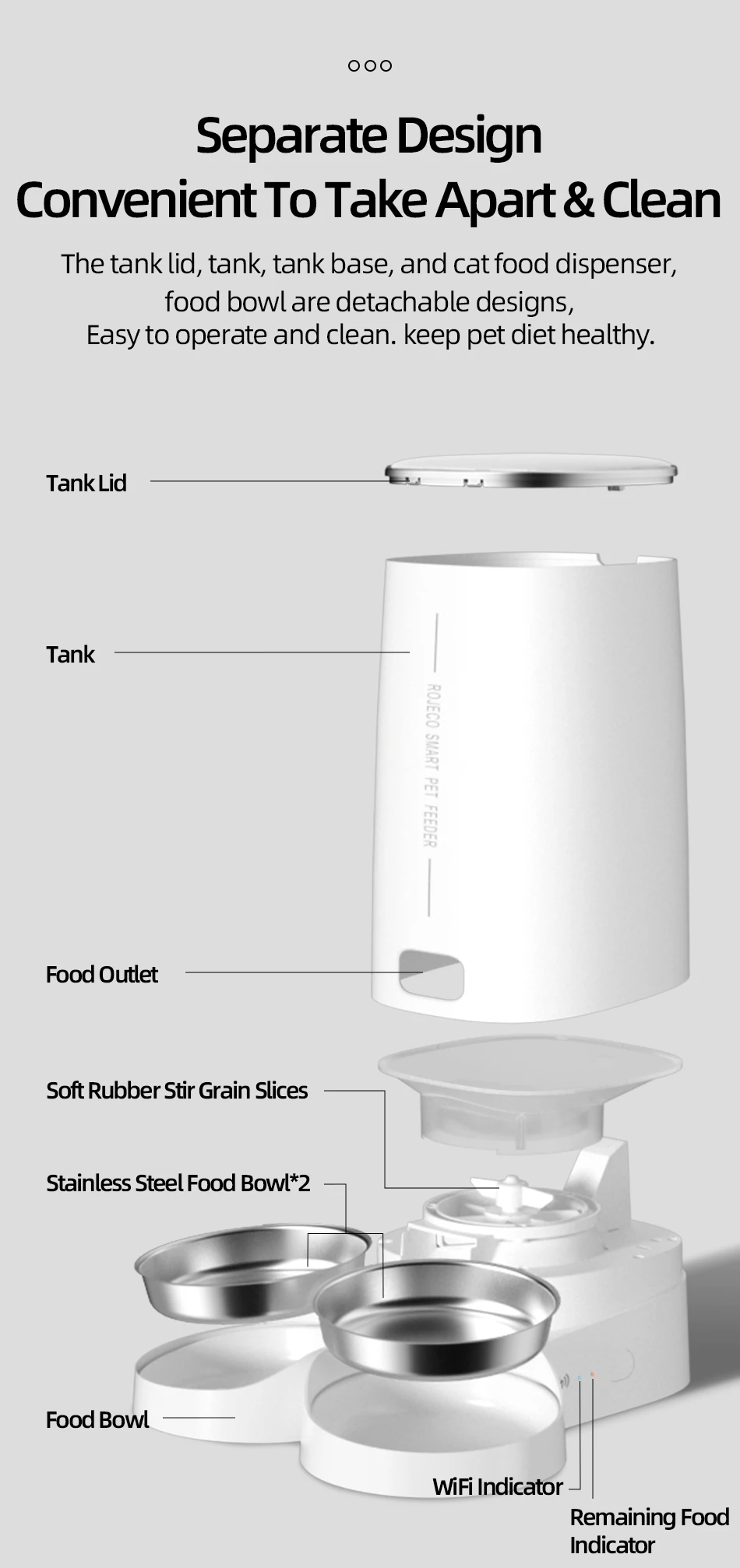
Easy-to-Clean Detachable Design
The detachable construction makes routine cleaning and maintenance more convenient. Components can be removed as recommended for cleaning, helping keep the feeding area more hygienic for everyday pet use.
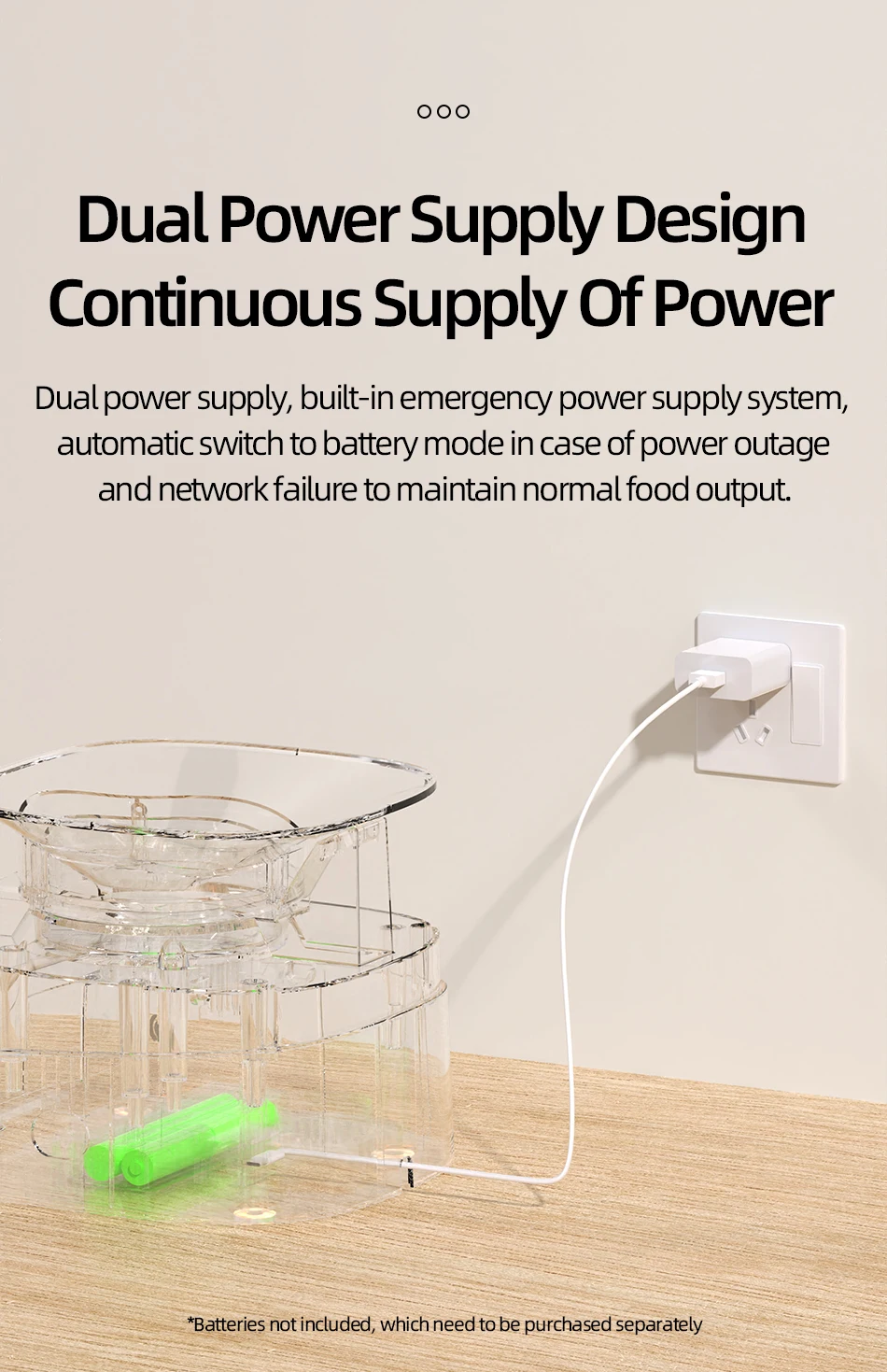
Dual Power Supply
The feeder supports both a power adapter and 4 AA batteries for backup power. Batteries are not included. For safe and reliable operation, use the original power adapter supplied with the product.
Product Specifications
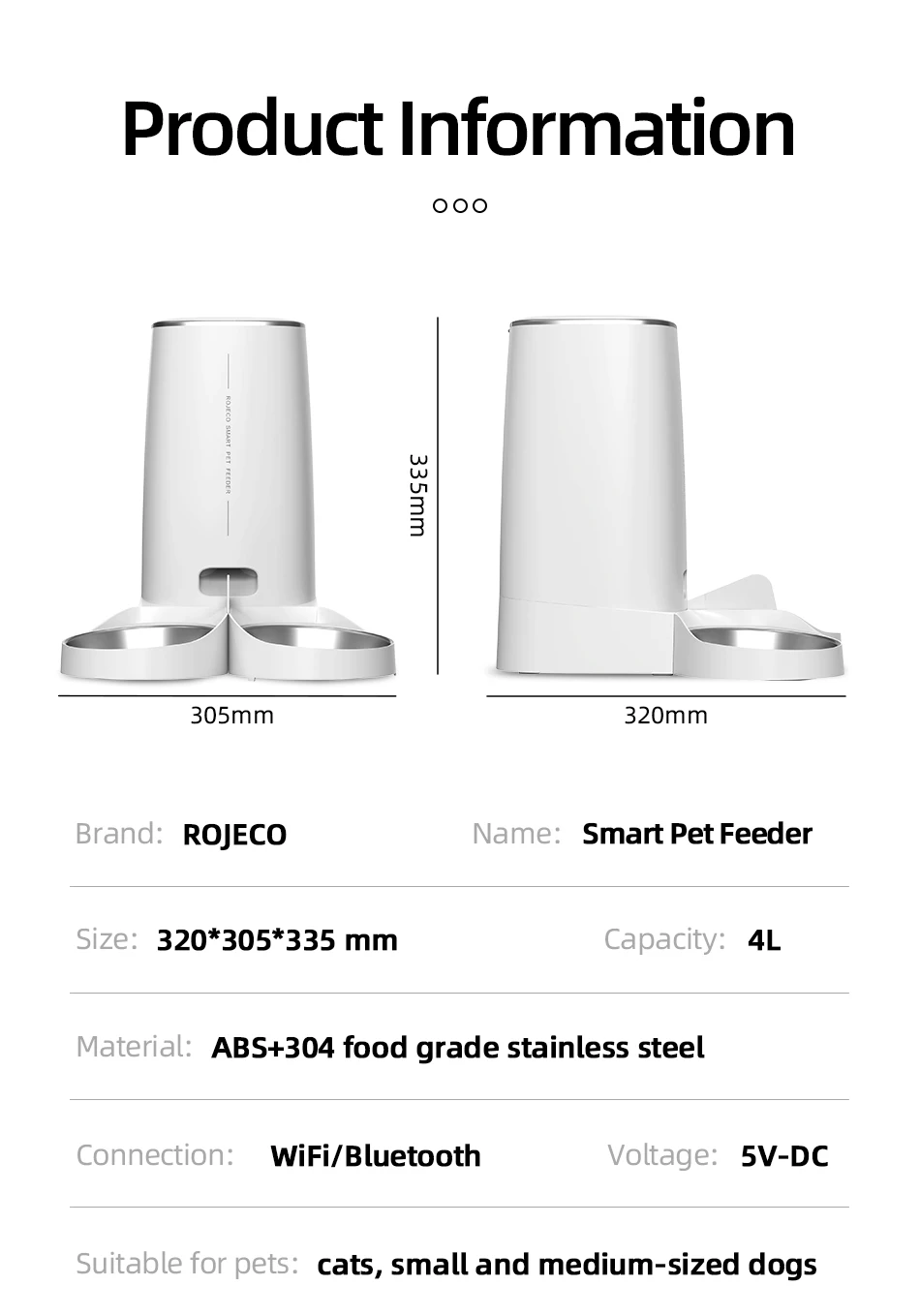
Product Name: FURLIVIO™ ROJECO Automatic Pet Feeder
Model: PTM-001 (WiFi)
Color: White
Capacity: 4L
Size: 335 × 330 × 177mm
Weight: 1310g
Material: ABS / SUS 304 / PC
Input: 5V DC / 1A
Connection: WiFi / Button
Battery: 4 × AA batteries, not included
Important Safety &a Usage Information
- Not recommended for pets younger than 3 months.
- For indoor use only. Keep the feeder away from direct sunlight and sources of heat or fire.
- Use the original power adapter to help prevent damage or malfunction.
- Do not immerse the feeder or electrical components in water.
- Place the feeder against a wall or in a corner to help prevent pets from knocking it over.
- Children should use the product only under adult supervision.
- Keep the included desiccant dry. If it becomes damaged, discontinue use.
- If the feeder will be moved or stored for an extended period, unplug the power cable and remove the batteries.
- Do not disassemble or attempt to repair the feeder unless you are an authorized maintenance professional.

Installation Instructions
1. Add Food
Press the lid button to open the feeder and add food. 2. Add Desiccant
Remove the lid, open the desiccant box, place the desiccant inside, and close the box. 3. Install the Food Bowl
Place the bowl on the ground and attach the main body securely. 4. Power On
Connect the charging cable to the power supply and the Type-C charging port at the bottom of the feeder. 5. Add Pet Food
Add dry pet food and replace the lid. Suitable for dry food with a diameter of 4–18mm.
How to Connect the APP
- Download the ROJECO app from the App Store or Android app market.
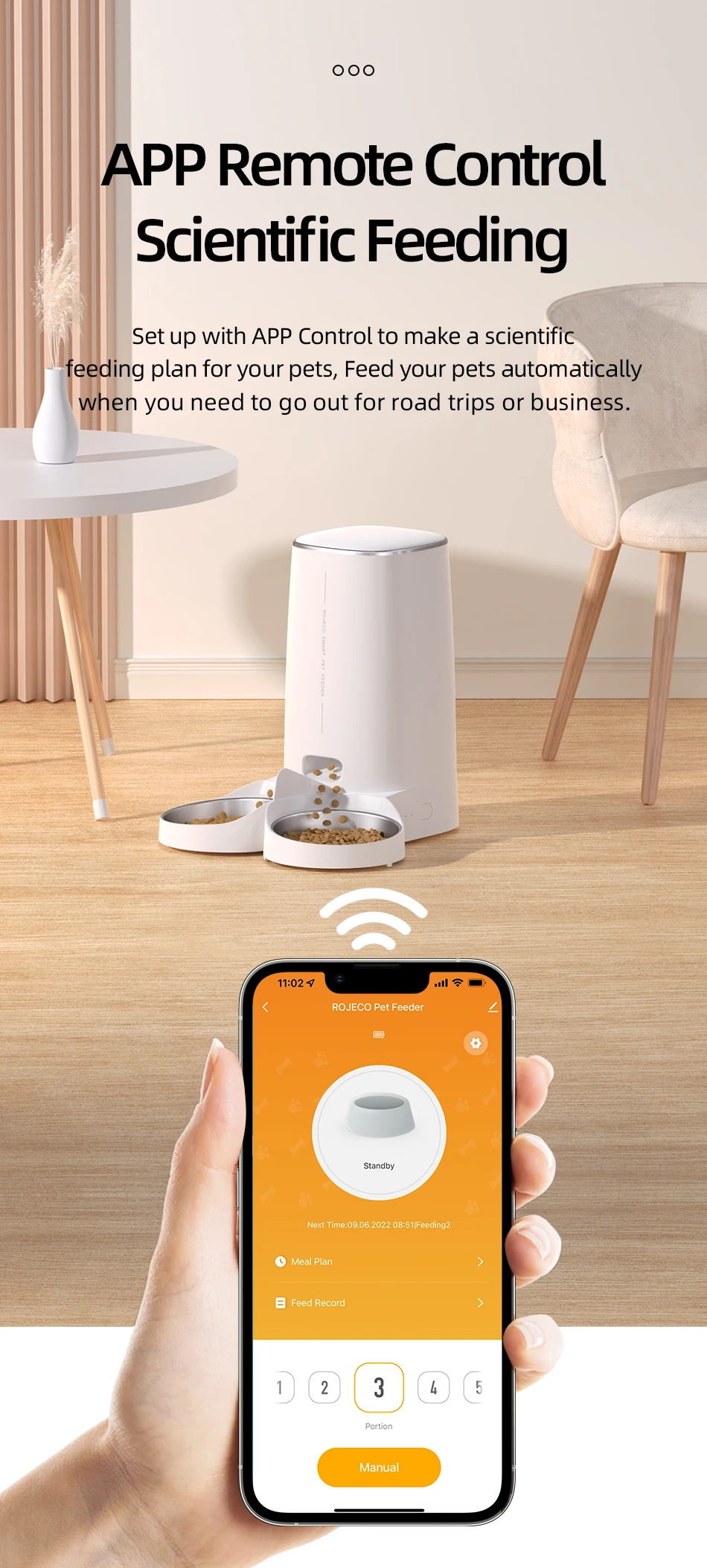
- Open the app and select + Add Device on the home page. Follow the instructions to connect the feeder.
- Make sure Bluetooth is enabled when connecting the device to the network for the first time.
- Scan the provided QR code to download the ROJECO app if required.
How to Schedule Feeding with the APP
Set the feeding plan in the app after connecting the feeder. The device will automatically dispense food according to the selected schedule, and you can receive feeding records after each feeding cycle.
How to Feed Manually
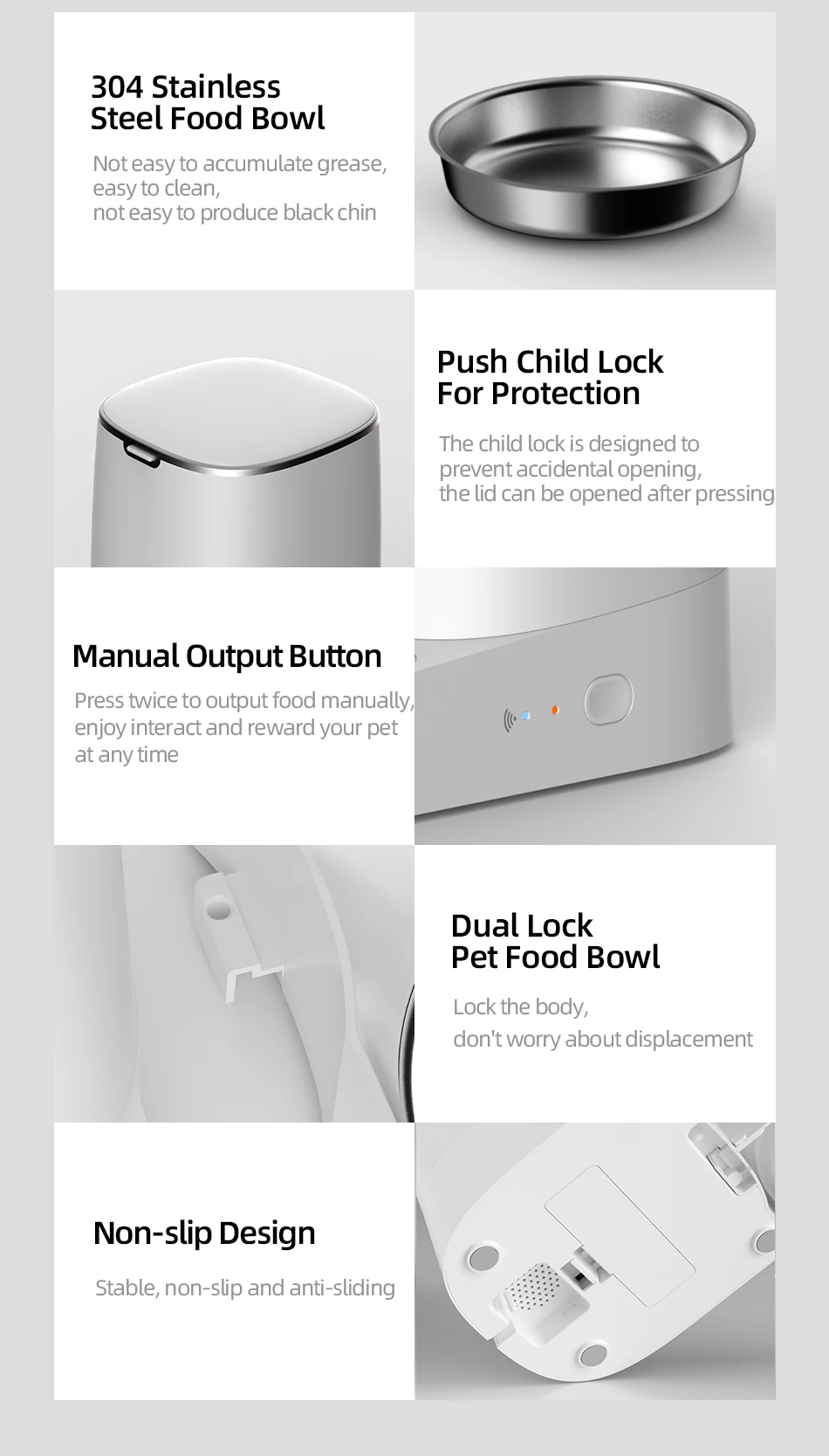
Double-click the manual feeding button to dispense one portion of food, approximately 5g each time. Manual feeding can also be controlled through the app.
How to Reset the WiFi Connection
Hold the feeding button for 5 seconds. When the WiFi/Bluetooth indicator flashes quickly, the connection has been reset successfully.
Indicator Description
Green light slowly flashes: Waiting for connection
Green light stays on: Connected
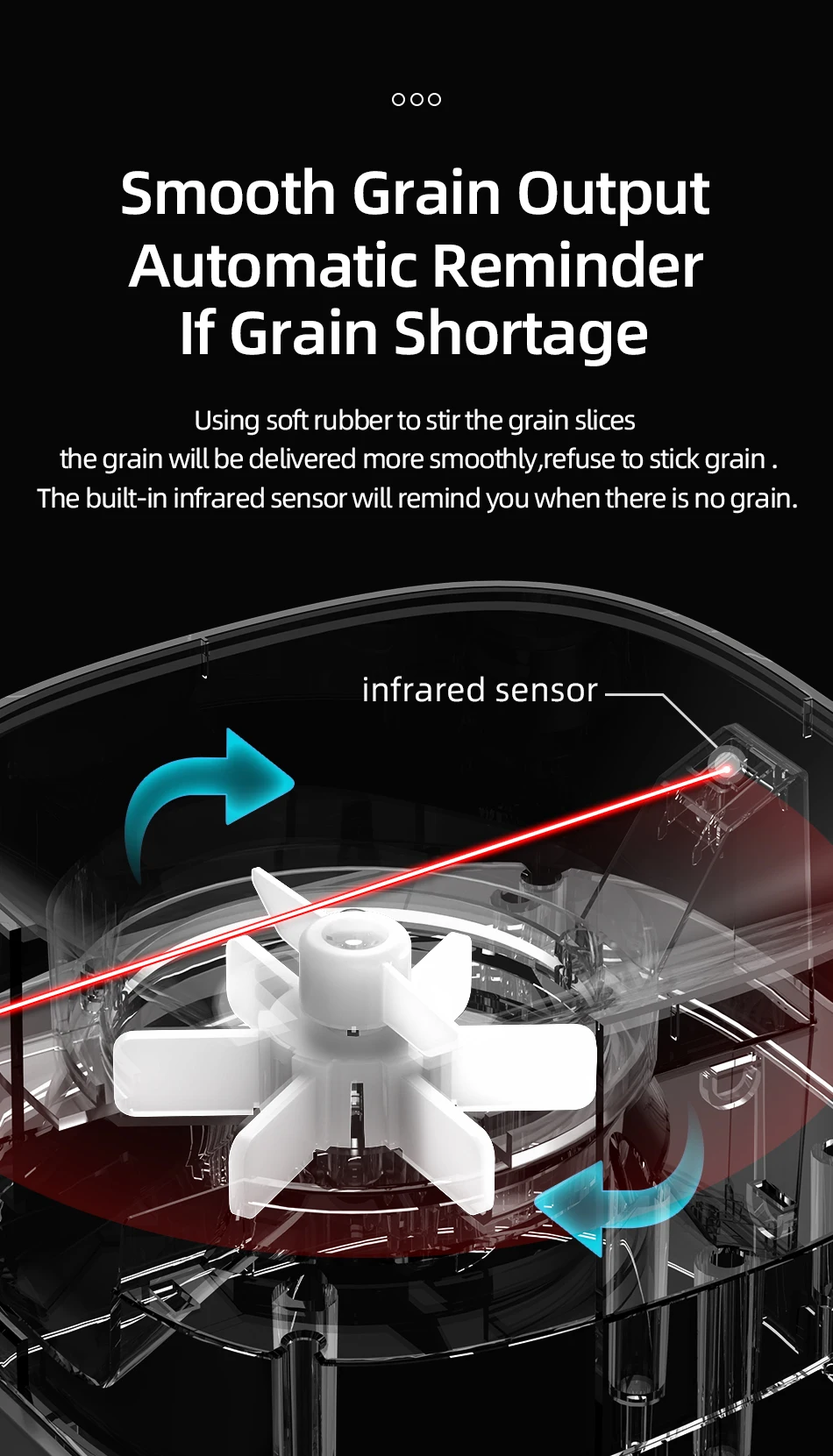
Red light slowly flashes: Low food level
Red light quickly flashes: Feeder is stuck
Red light off: Enough food
Questions & Answers
Question 1: Why is the network connection unsuccessful?
Confirm whether the app is in guest mode and register an app account when using it for the first time.
Make sure the WiFi password is entered correctly.
Use a 2.4GHz WiFi network. This product does not support 5GHz WiFi.
Make sure the WiFi connection is stable. Keep the feeder within approximately 20 meters of the router for a reliable connection.
Question 2: Why can't the device be found?
If the device has not entered network configuration mode for an extended period, press and hold the feeding button for approximately 6 seconds, then use the app to add and search for the device again.
Question 3: Why is no food being dispensed?
Check whether there is enough food in the container.
Make sure you are using dry pet food. This product is designed for dry food only.
Up to 20% freeze-dried food may be mixed with dry food, provided the pieces are smaller than 12mm.
Check whether the feeding channel is blocked or overloaded, as this may reduce the number of portions dispensed.
If the feeder is stuck, clean the feeding mechanism and resume use after resolving the blockage.
Question 4: Why does the feeder not work after connecting the power supply?
Check whether the power plug is properly connected to the power supply.
Make sure the Type-C charging cable is correctly connected to the feeder.
Check whether the power indicator light is working normally.